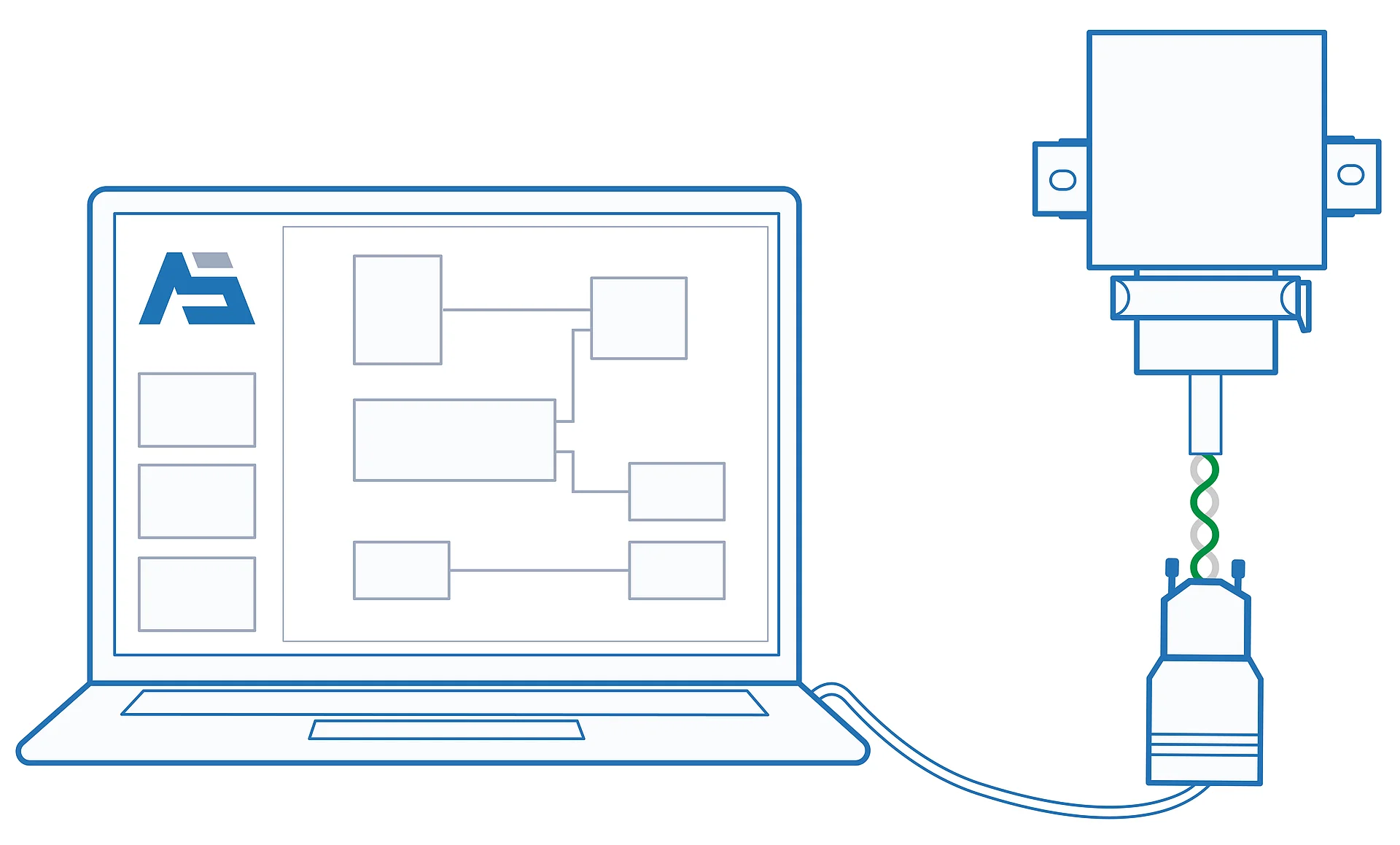
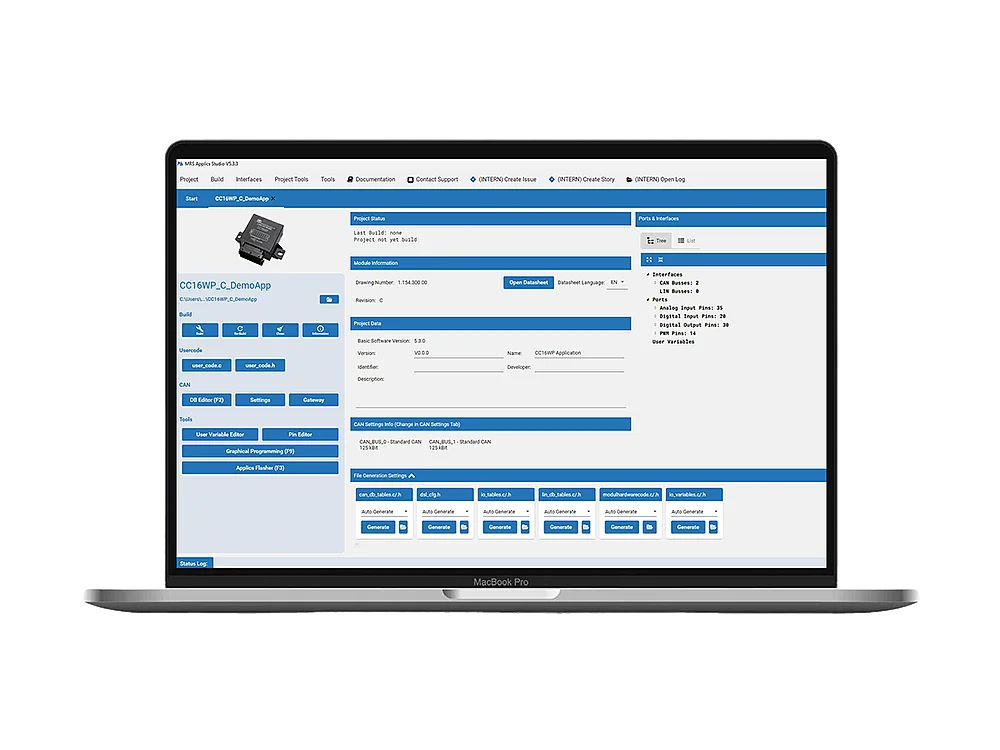
MRS Applics Studio is the development environment from MRS Electronic. Applics Studio is used to program MRS CAN controllers of the 8-, 16-, and 32-bit generations. With our powerful and user-friendly Applics Studio programming tool, you can create software for MRS controllers and program MRS modules quickly and easily. It simplifies the programming of controllers that work with CAN, LIN, or input and output signals (I/O).
Our explanatory video provides an overview of the advantages and functions of the programming tool.
Graphical programming
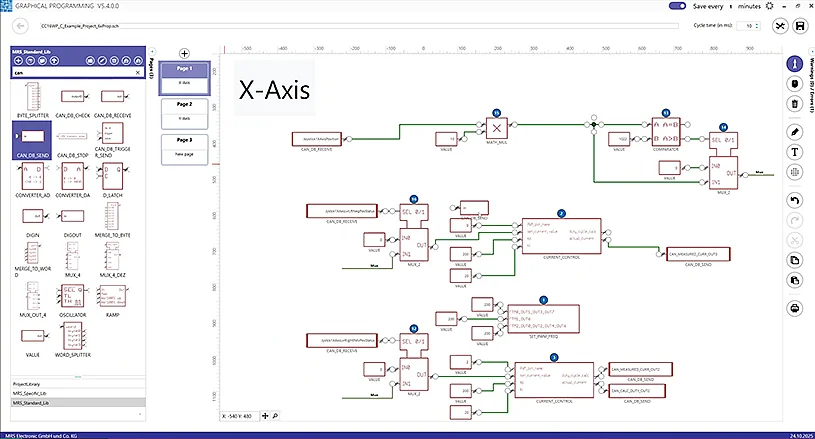
The MRS Applics Studio offers you a graphical programming interface that makes it particularly easy to create programs for MRS modules—even if you don't have in-depth programming knowledge. Basic knowledge of digital technology is sufficient to implement functions.
The graphical programming interface allows you to simplify the display of commands and functions for MRS CAN products. Users can drag and drop ready-made modules (function blocks) into a diagram to create a circuit diagram. There are predefined modules, but you can also create your own and share them with others.
Programming with C code
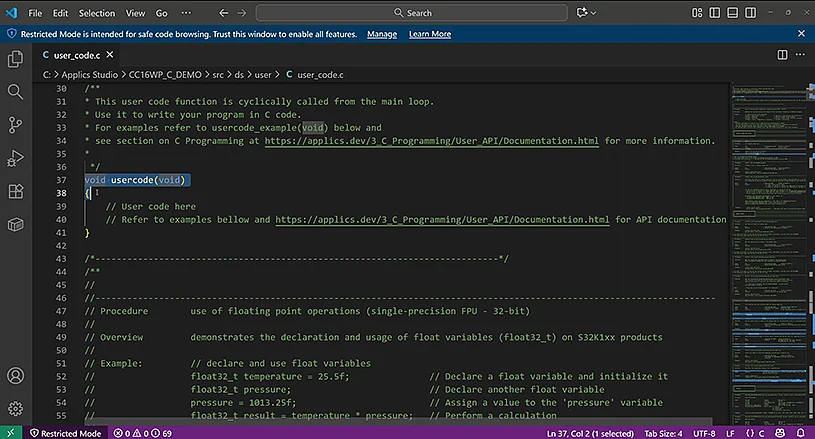
Programming with C code offers you even more flexibility. Experienced developers can program directly in C in MRS Applics Studio. This offers the opportunity to fully utilize all functions of an MRS module and enables maximum control over the system.
Applics Studio provides a user API (programming interface) for this purpose, in which all available functions are documented.
Applics Flasher – Transfer programs to an MRS module
Once the program has been developed, it can be transferred to the control unit so that it can be executed there. The Applics Flasher is included as a basic version in Applics Studio or can be purchased as an integration package, which you can integrate into your production, for example. It allows you to securely transfer a finished program to the memory device of an MRS module.
| Features | Basic | Integration Package |
|---|---|---|
| Supports all current and future MRS ECUs | ✅ | ✅ |
| Offers flashing via CAN/CAN FD | ✅ | ✅ |
| Available for Windows and Linux | ✅ | ✅ |
| Documentation | ✅ | ✅ |
| Flashing in FAST mode | ✅ | ✅ |
| Reliable even under high CAN bus load | ✅ | ✅ |
| Console and Library/DLL for application integration | ❌ | ✅ |
| License agreement for the distribution of software | ❌ | ✅ |
| 4 hours of initial setup support, available through MRS Support Ticket system | ❌ | ✅ |